Create ProCONF iOS xcframework
Step 1:
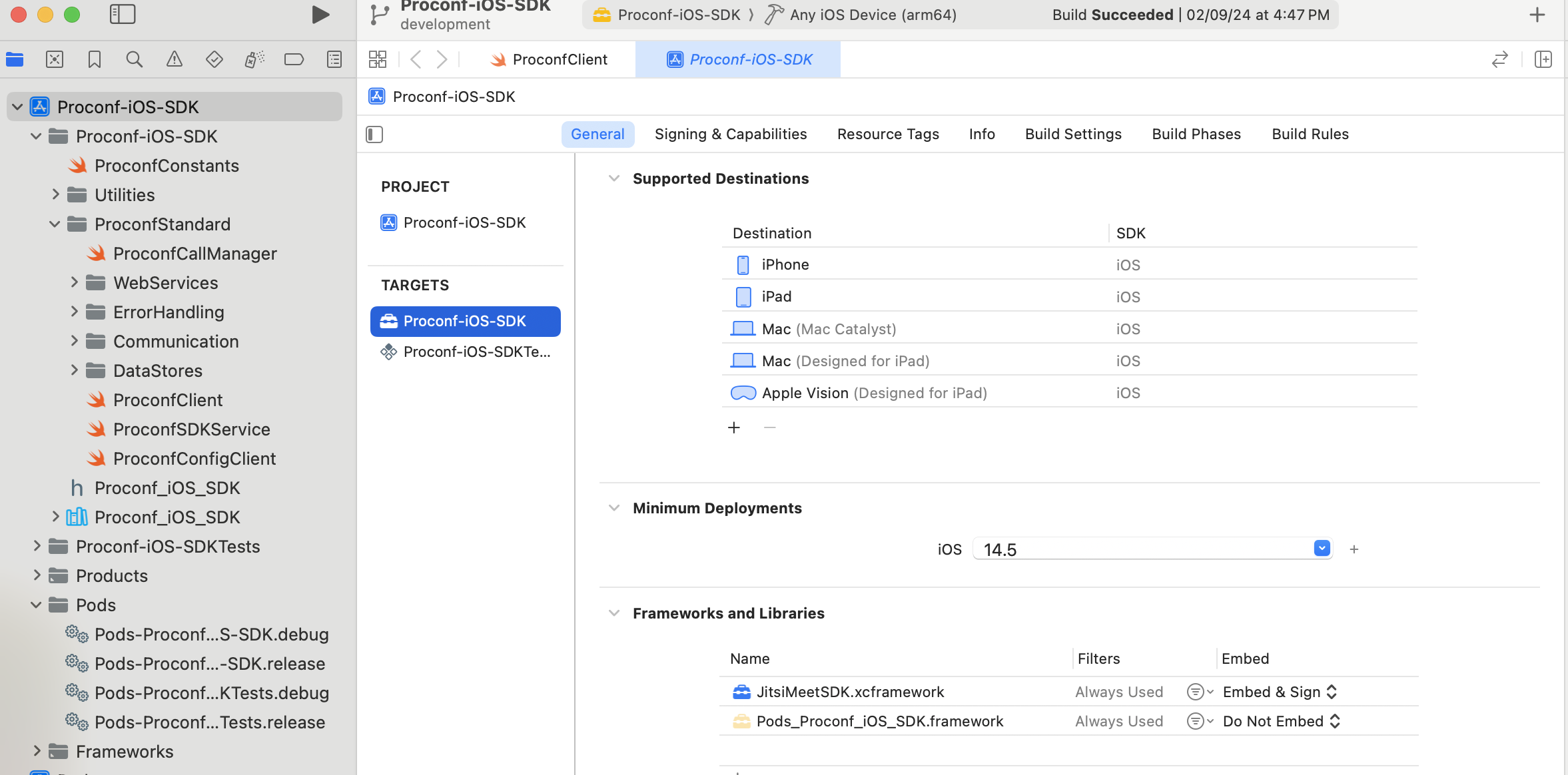
Extract Proconf-iOS-SDK.zip and open Proconf-iOS-SDK.xcworkspace file using Xcode version 15.2
Step 2:
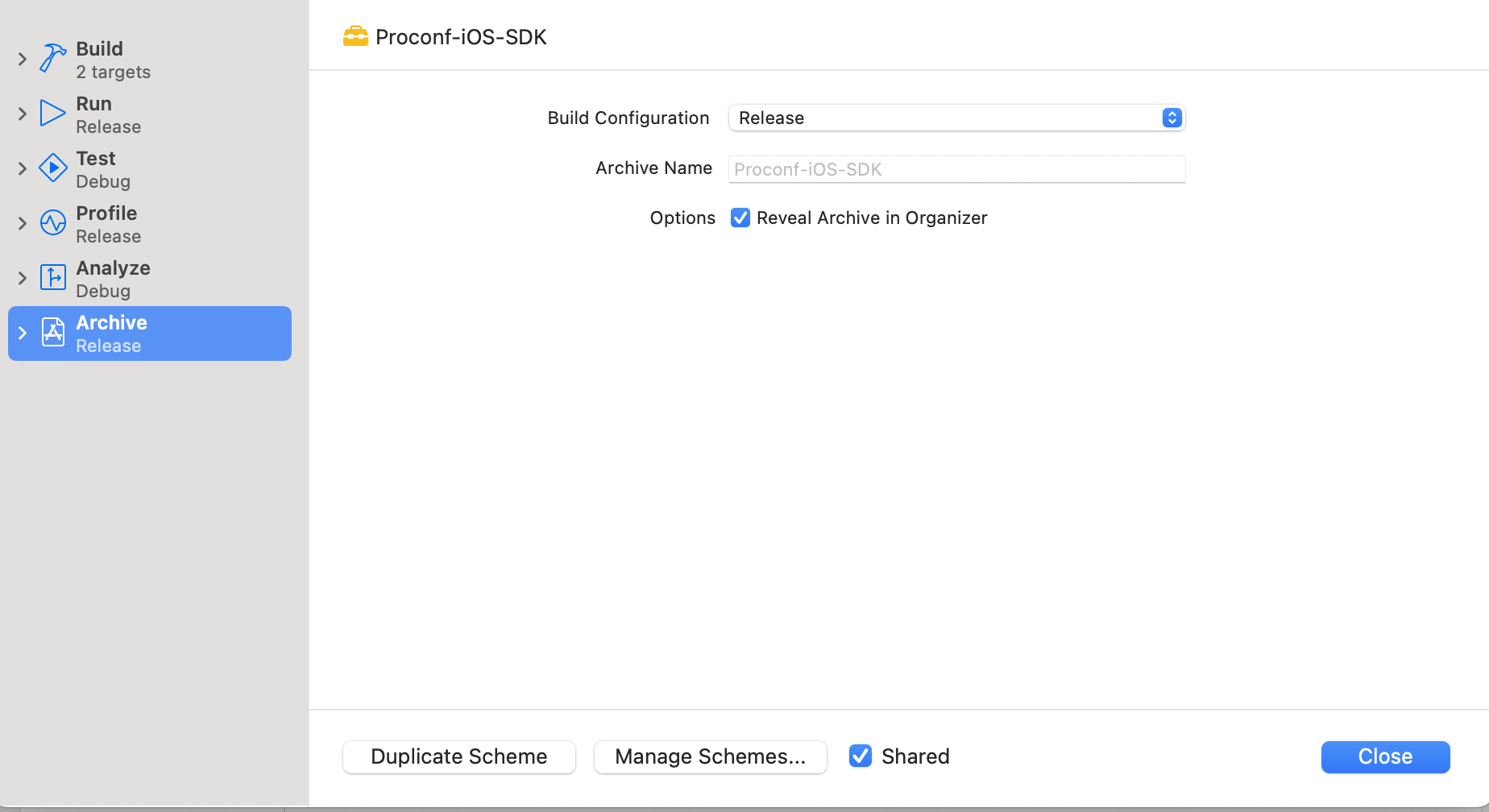
Compile Proconf-iOS-SDK target for Any iOS Device (arm64) for Build Configuration Release
Step 3:
Compile Proconf-iOS-SDK target for Any iOS Simulator Device (arm64, x86_64) for Build Configuration Release

Step 4:
Navigate to derived data, proconf sdk's Build folder Create one folder with name out inside Build folder Run following command from terminal at level of Build folder
xcodebuild -create-xcframework -framework ./Build/Products/Release-iphoneos/Proconf_iOS_SDK.framework -framework ./Build/Products/Release-iphonesimulator/Proconf_iOS_SDK.framework -output "./Out/Proconf_iOS_SDK.xcframework"
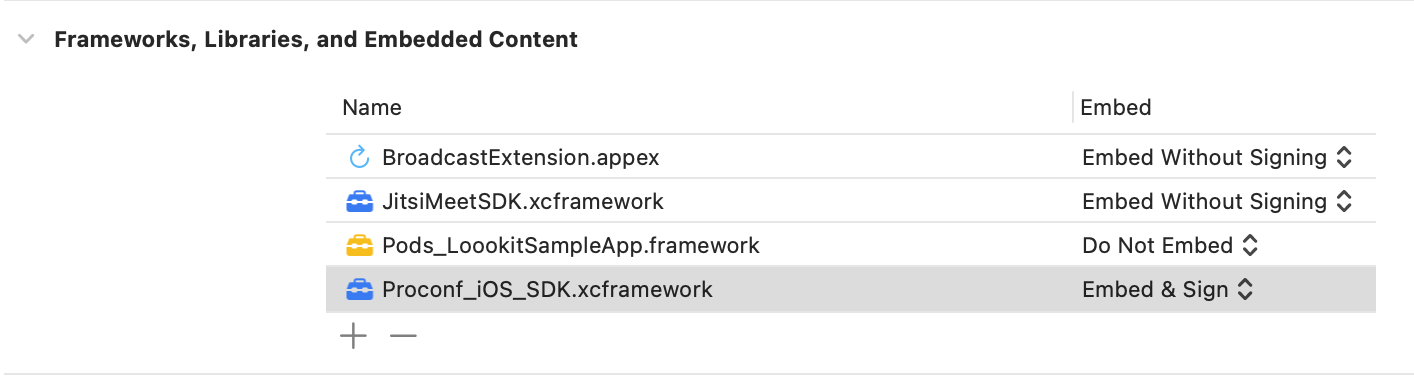
The desired xcframework of ProCONF iOS SDK will get generated in Out directory.
Step 5:
Simillar steps from #1 to #4 can be followed to create Debug xcframework to test in app for developing and testing